Once access is arranged, joining is straightforward.

The server address is public, but the world is only available to approved workshop and group participants.

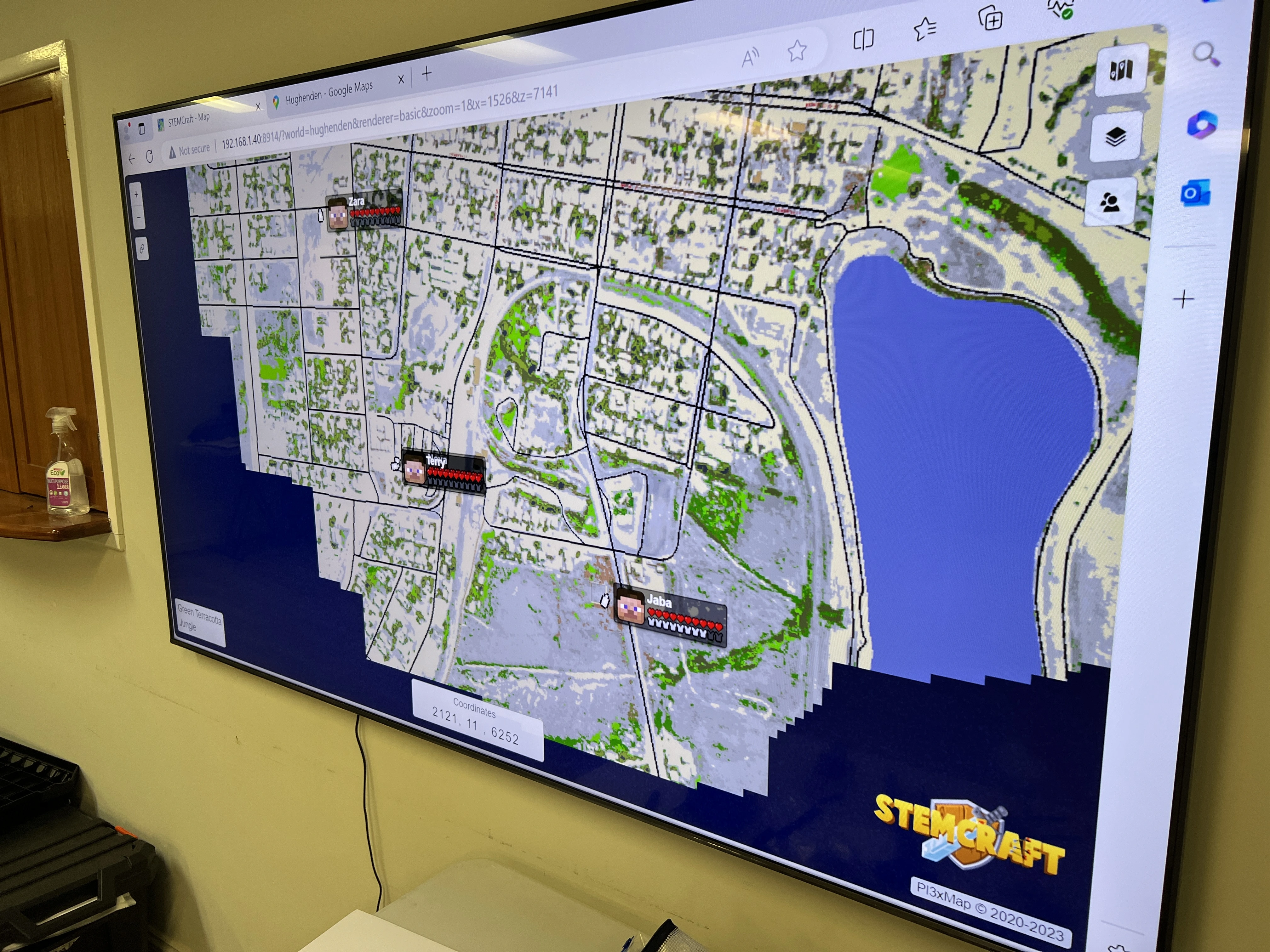
A workshop map that shows the STEMCraft joining process

How to join

Once access is approved, the join process is short and predictable.

1

Start with STEMMechanics

Access is arranged through workshops and group programs.

2

Confirm access

Contact STEMMechanics if you are not sure whether your player has access.

3

Open Minecraft

Use the edition you normally play with, Java or Bedrock.

4

Add the server address

Open Minecraft and enter play.stemcraft.com.au.

5

Use the Bedrock port if needed

Bedrock players should use port 19132.

6

Join the server

Approved players can connect normally.

Technical details

These details are needed to join the server. Access is arranged through STEMMechanics before players can enter.

Server address

play.stemcraft.com.au

Platform

Java and Bedrock

Bedrock Port

19132

Min Version

1.21.11